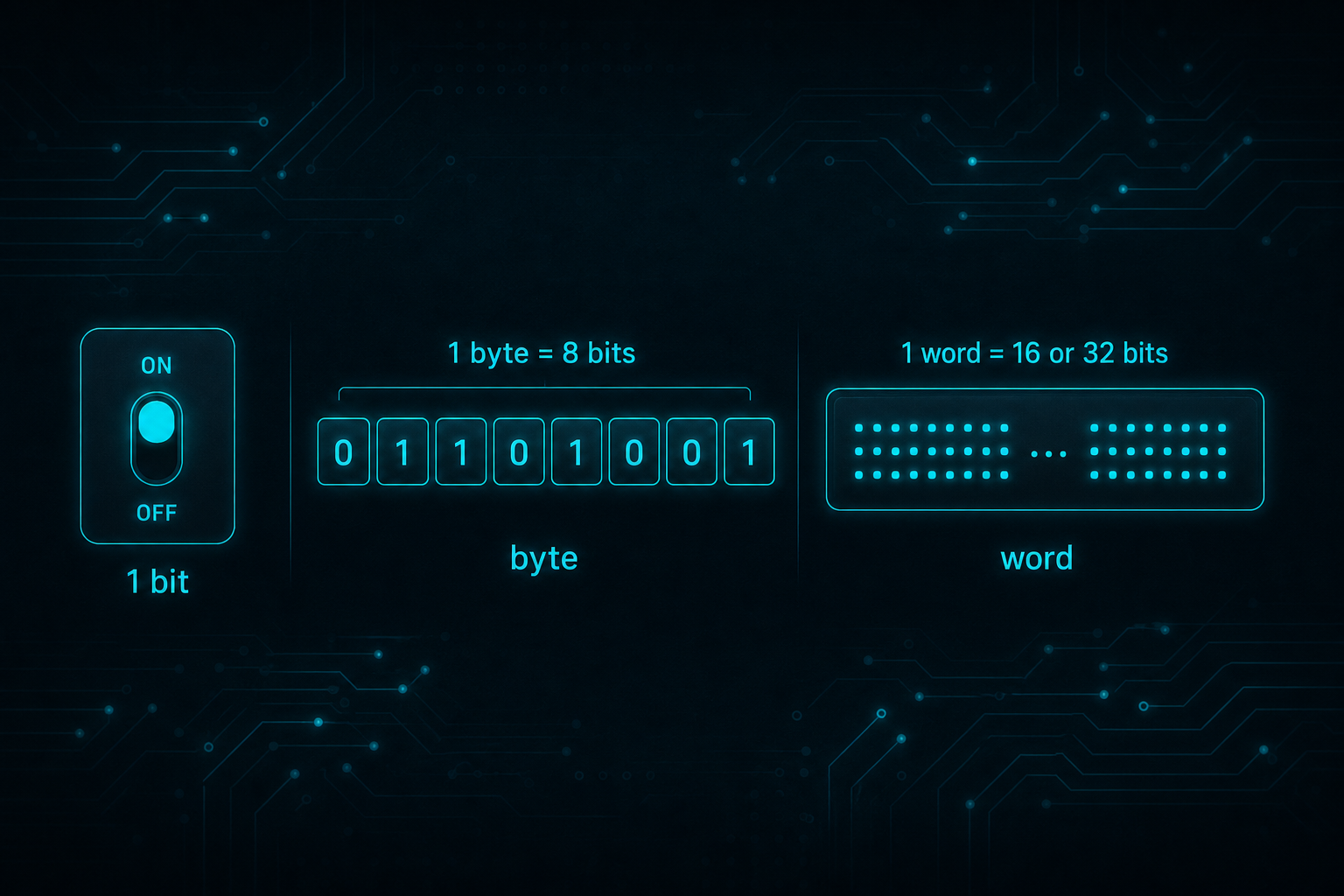
Bits, bytes and 16-bit words
Computers store data using binary digits called bits.
- What is a bit? - A bit is a binary digit, either 0 or 1.
- What is a byte? - A byte is made up of 8-bits
- Why 128, 64, 32, 16…? - We need to use powers of 2 because we are using binary numbers, see more below.
This page shows how groups of bits turn into decimal numbers.
Enter some binary values
The decimal values that each binary digit (bit) represents are ascending powers of two, 20, 21, 22, 23 etc. (from right to left). Play with these binary values to see how they work.
Some examples of bit patterns:-
- 00000001 = 1
- 00000010 = 2
- 00001000 = 8
- 10000000 = 128
- 11111111 = 255
Some Theory
A quick reminder of arithmetic that we learnt at school for multi-digit integer numbers. We probably all just learnt to count first, 0 to 10 and then more. We learnt that as numbers get bigger (longer), they have more digits that are arranged in columns from right to left.
We learnt base 10 addition. We might not have been told that it was called base 10, or that there are other bases, given that we normally use base 10. We learnt that the digits used in each column are 0 to 9, so 10 digits (hence base 10), before we move up to the next column working right to left.
We were taught 2 or 3 columns to start with giving us easy ‘sums’ to learn. 8 columns are shown below allowing reasonably big numbers. Of course we can use more columns for huge numbers, but this illustrates what is needed and 8 columns are used in the binary description too.
The base 10 columns we learnt follow. When we write an actual number we add the digit multiplied by the column value like this:-
Decimal Layout
In binary arithmetic we follow the same pattern but we use base 2 instead of base 10. We can only use digits 0 and 1. This may sound difficult but in reality it is easier in a way. You only count zero to one then move up to the next column working right to left. The values of each column are powers of 2 instead of the powers of 10 above. They are shown below but to summarise, they start at 1 just like base 10 does. Then they double as you move to the left so, 2, 4, 8, 16, 32, 64, 128 and so on. 8 columns are shown here. Because base 2 column values are so small compared with base 10, the 8 columns only equates to quite a small number, 255 maximum like this:-
Binary Layout