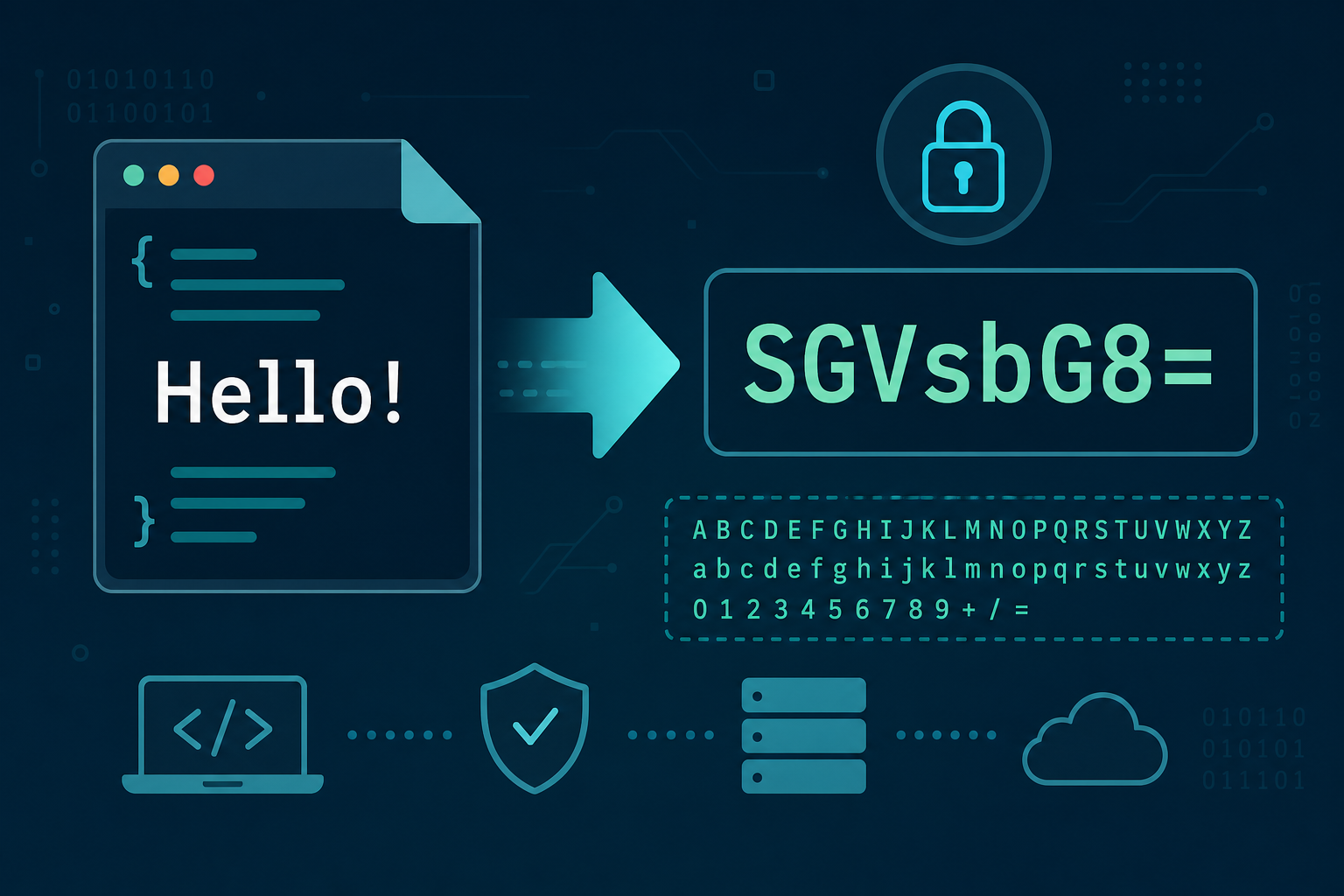
Encode and decode
Text is treated as UTF-8. Standard Base64 uses A–Z, a–z, 0–9, +, and /, with = padding.
How Base64 encoding works
What Base64 is for
Base64 turns binary data into a string built from a limited alphabet: uppercase and lowercase letters, digits, plus +, slash /, and optional = padding. Email systems, data URLs, and many APIs use it when a channel is happier carrying text than raw bytes.
Base64 is an encoding, not encryption. Anyone can decode it. It also expands size by roughly one third because every three bytes become four Base64 characters.
UTF-8 text on this page
In encode mode, your input is converted to UTF-8 bytes, then to standard Base64. In decode mode, Base64 is turned back into bytes and interpreted as UTF-8 text. The UTF-8 hex readout shows the underlying bytes so you can compare with other tools or hex dumps.
Worked example
The text Hi is UTF-8 bytes 48 69. In Base64 that becomes SGk= (with padding). Decoding SGk= restores Hi. Characters outside ASCII, such as é, need multiple UTF-8 bytes; encoding those bytes is why “one character” is not always “one byte.”
Padding and alphabets
Standard Base64 uses = so the string length is a multiple of four. Some systems use URL-safe Base64 (- and _ instead of + and /) or drop padding. This page implements the common MIME/standard alphabet with padding. If a string fails to decode, check for URL-safe variants, whitespace, or truncated copy/paste.
Common mistakes
- Treating Base64 as a security measure for secrets.
- Decoding with the wrong alphabet (standard vs URL-safe).
- Assuming the result is always valid UTF-8 when the original bytes were an image or other binary.
FAQs
- Can I encode files?
- This tool is text-oriented. For images you would typically Base64 the raw file bytes in a local script or data-URL generator.
- Where should I learn about UTF-8 itself?
- See UTF-8 & Unicode and the guide UTF-8 explained.
Related: UTF-8 & Unicode, Character Sets, Bits & Bytes.
Last updated: July 2026